Sorb · by Metatoy
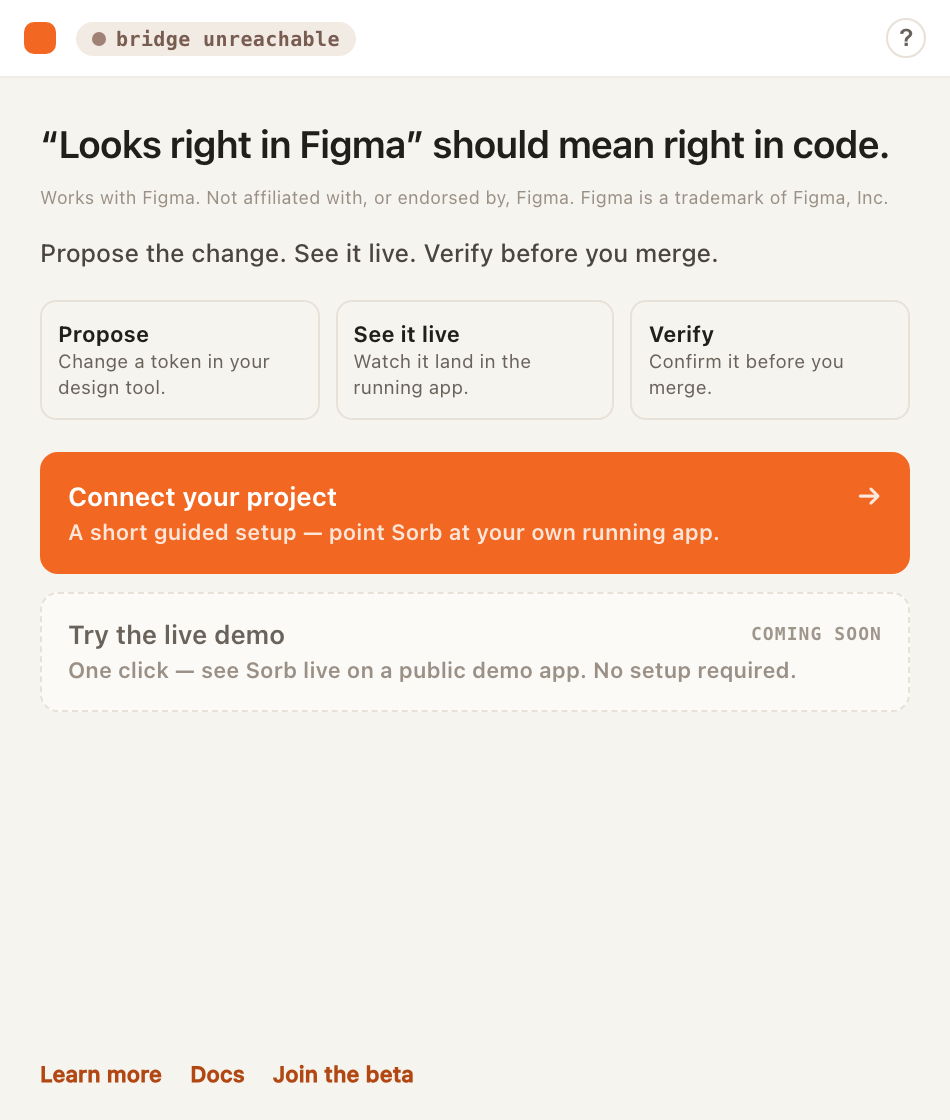
“Looks right in Figma” should mean right in code.
Works with Figma. Not affiliated with, or endorsed by, Figma. Figma is a trademark of Figma, Inc.
Sorb is the design-token bridge for the running app. Propose a token change, watch your real React components re-skin live — CSS custom properties, no hand-authored mappings — then verify it before you merge.
Verified = checked against your live components’ tier/type bindings before merge — not a visual or accessibility audit.
Free, invite-only beta. No card required.
Two ways in
Pick your path
Same loop, two front doors. Designers drive it from Figma; developers wire it into React.
For designers
Propose a token change in Figma, watch it appear live on the real product, and confirm it's right — before it ships.
- Propose a token change in the Sorb plugin, right inside your Figma file.
- See it live in the actual React component — not a mock, not a static snapshot.
- Hand off knowing it already works in the real app — nothing to translate.
You’ll need: Just the Sorb Figma plugin. A developer runs the local bridge once to connect it.
For developers
Two commands. Real tokens from your running app as CSS variables — live-preview proposed changes, verify before merge.
- Install the Leaf SDK and wrap your app in SorbProvider.
- Run sorb dev — the local bridge connects the Figma plugin to your running component.
- Tokens resolve to .sorb/resolved.json, auto-bind to CSS properties by type, and arrive as var(--token).
You’ll need: A React app, Node 20, and your DTCG token source.
Two commands to start
npm install @sorb/leaf @sorb/juice
sorb dev
Leaf wraps your React app and delivers tokens as CSS variables. Juice runs the local bridge server that connects the Sorb Figma plugin to your running component.
How it works
One loop: Figma → token → preview → bind → ship
The loop starts in Figma and ends in your real running component — not a mock, not a static preview. Step through the whole flow below — pick Designer or Developer and play it end to end.
Install the plugin.
Sorb opens inside Figma as a manifest import — no Community listing to hunt for, no server to stand up. The panel lives right beside your file.
Works with Figma. Not affiliated with, or endorsed by, Figma. Figma is a trademark of Figma, Inc.
Tokens travel in the DTCG format — the open standard that Style Dictionary and the DTCG community toolchain already speak, so your token file works outside Sorb too.
Features
What’s in the loop
Figma plugin
Propose and preview token changes from inside Figma with the Sorb plugin.
Live preview
Preview token changes in your real running React component — no mocks, no static snapshots.
Token binding
Tokens are matched to the right CSS properties automatically — no hand-wiring into snippets.
React SDK
Add one provider to your React app; tokens flow through as CSS variables, live-swappable without a rebuild.
Tailwind
CSS-variable tokens drop into a Tailwind theme — use them as utility values directly.
vs Figma Code Connect
Complementary, not a replacement
Code Connect puts a static snippet into Figma’s Dev Mode — anchored on the Figma file. Sorb anchors on your running app: it reads what React actually renders, lets designers propose changes in Figma, and previews them live in the real component before anything ships.
| Dimension | Sorb | Figma Code Connect |
|---|---|---|
| Anchor | Your running React app — the values it actually renders. | The Figma file — a hand-published code snippet. |
| Live preview | Previews the real running component via the bridge. | Shows a static code string, not a running component. |
| Token resolution / binding | Reads what the app actually renders; tokens matched to CSS properties by type. | Snippets are hand-written; no token semantics. |
| Runtime delivery | Tokens arrive in your app as CSS variables at runtime. | Does not deliver runtime values. |
| Who it's for | Designers and developers in one loop. | Developers authoring the mappings. |
| Framework breadth | React only — narrower, deeper. | Spans several frameworks — broader. |
Comparison reflects each tool’s design anchor, not a feature-for-feature ranking. Code Connect is native to Figma Dev Mode and spans more frameworks; Sorb goes narrower and deeper on React.
Pricing
Simple, per-editor pricing
Base
Free during the invite-only beta.
The core loop: plugin, live preview, token binding, and the React SDK.
Pro
Free during the invite-only beta.
Everything in Base plus higher limits and team collaboration features.
Full pricing lands at general availability.
FAQ
Common questions
What stage is Sorb at?
Free, invite-only beta. Request an invite and we'll bring people on in waves. It is not generally available yet — expect rough edges and active iteration.
Does Sorb work with Figma?
Yes. Works with Figma. Not affiliated with, or endorsed by, Figma. Figma is a trademark of Figma, Inc.
Is it a replacement for Figma Code Connect?
No — it's complementary. Code Connect maps a static code snippet into Figma's Dev Mode. Sorb resolves, binds, and live-previews real tokens in your running React app.
What frameworks are supported?
React today, via the Leaf SDK. We went narrower and deeper rather than wide: one framework, fully resolved and bound at runtime.
How is my data handled?
During the beta the hosted service stores org/project metadata and short-lived preview payloads. See the Privacy notice for what we store and for how long.
What will it cost?
During the beta, Sorb is free and invite-only. We'll publish pricing at general availability.